App Preview
Here's what you're working with. Satellite data, forecasts, inlet surveys, and a logbook that actually remembers the conditions.
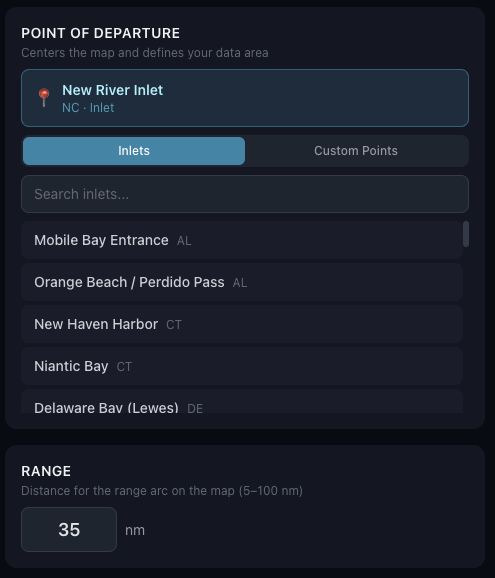
Start by picking your inlet or departure point and setting your range in nautical miles. Everything else builds from there — conditions, forecasts, and waypoints all scoped to where you actually fish.
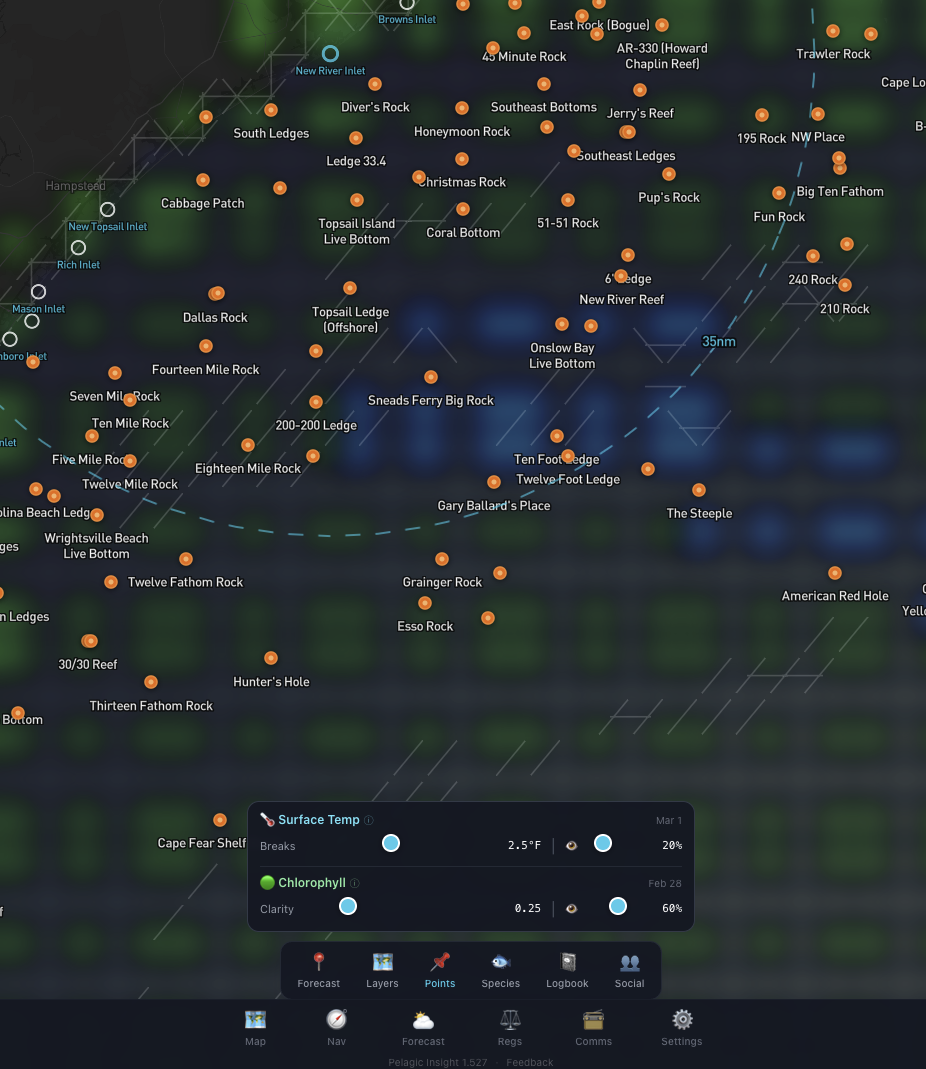
SST and chlorophyll overlays on a 1km satellite grid. Both layers have tunable parameters — adjust the temperature break threshold, opacity, and color ranges so you can dial in exactly what you need for the conditions that day. The white lines here mark 2.5°F changes between adjacent grid points. Chlorophyll shows green water (more bait and plant life) versus blue water (cleaner, higher salinity). Where those edges meet is usually where the fish are.
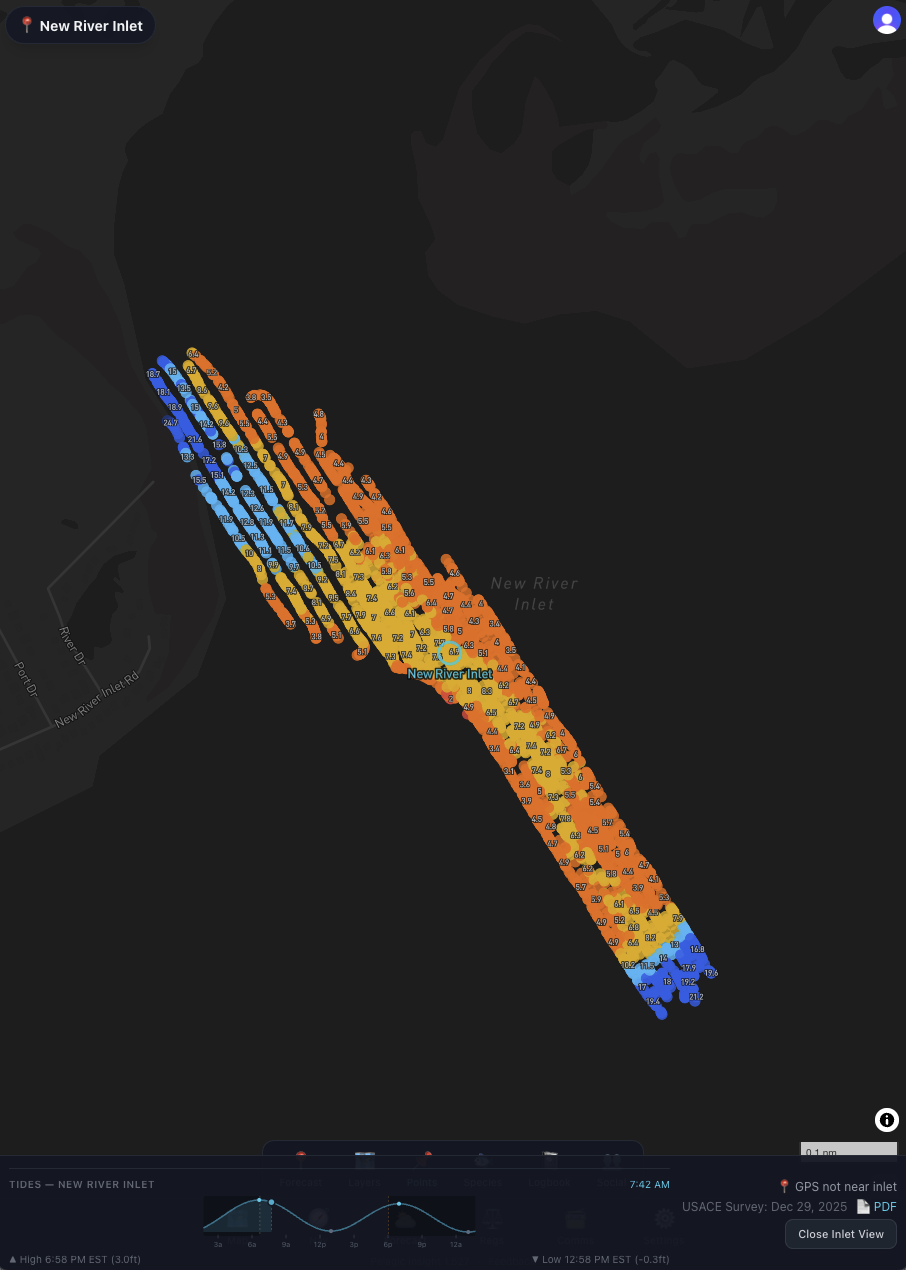
The latest USACE inlet survey plotted right over the chart. The bar shows the survey date, a direct link to the published survey PDF, and the government source. Know what the channel looks like before you run it.
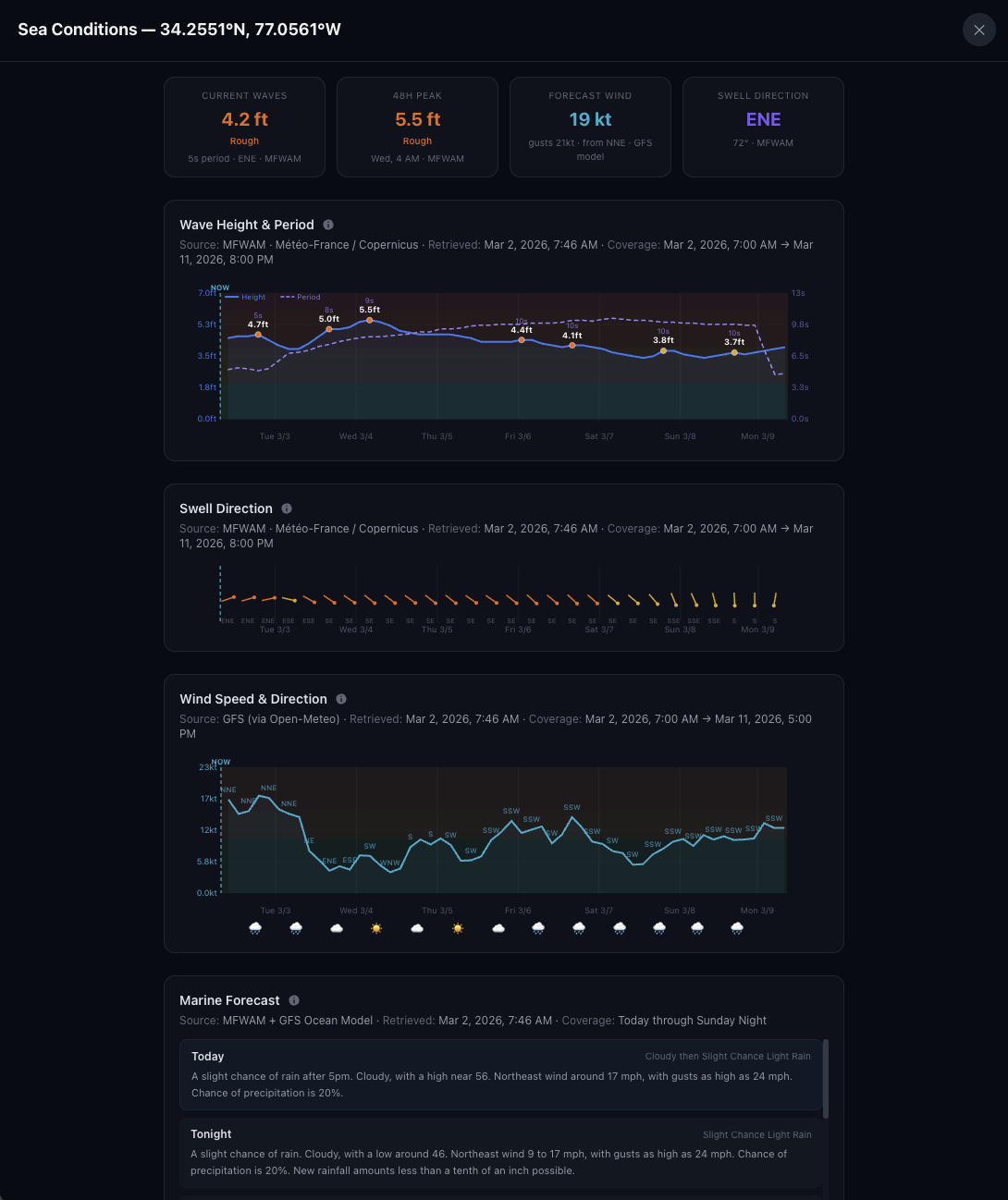
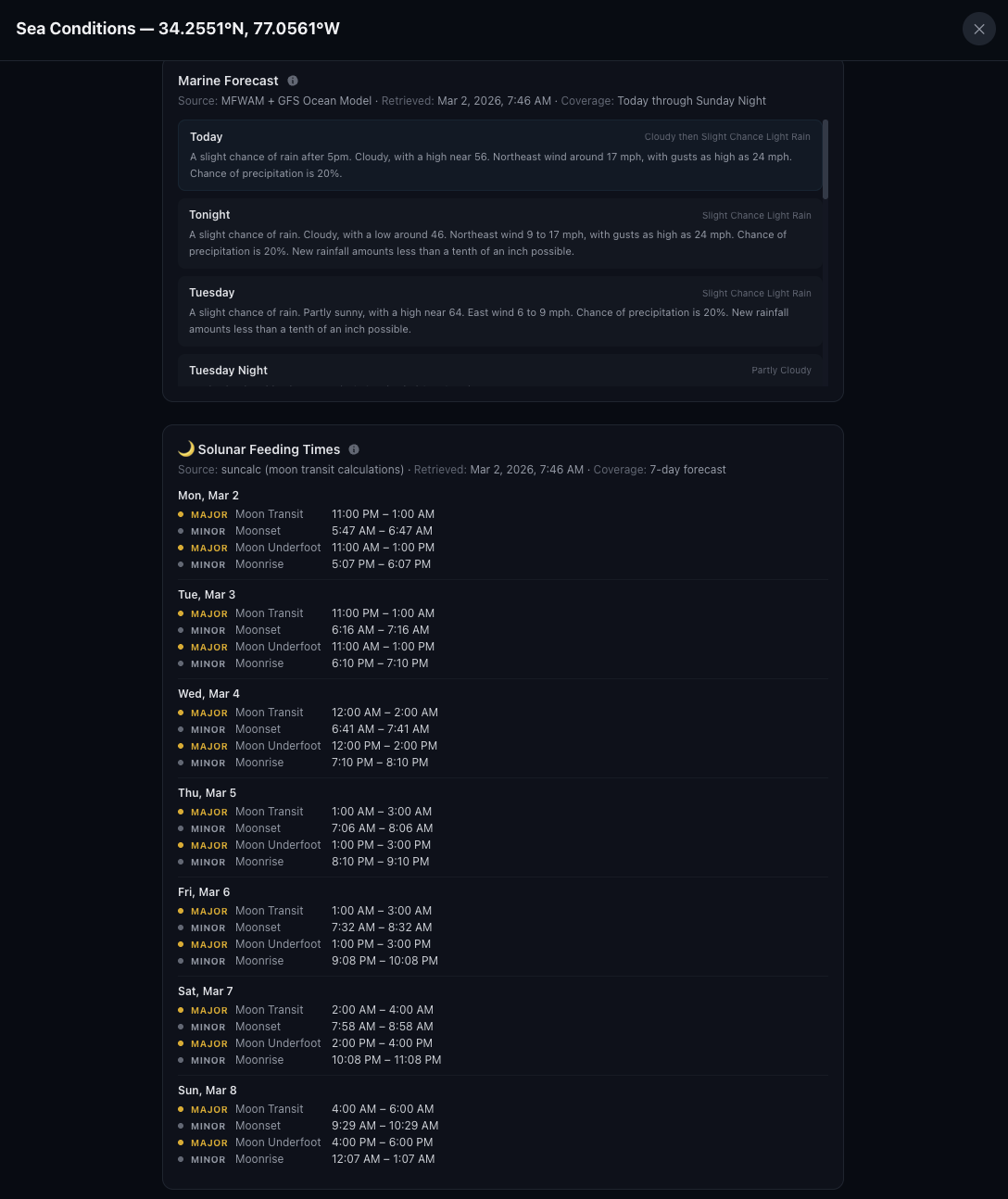
Drop a forecast pin anywhere on the chart, or just hit the Forecast button to pull conditions for your inlet. Wind, waves, swell, and current — all in one place, 7 days out.
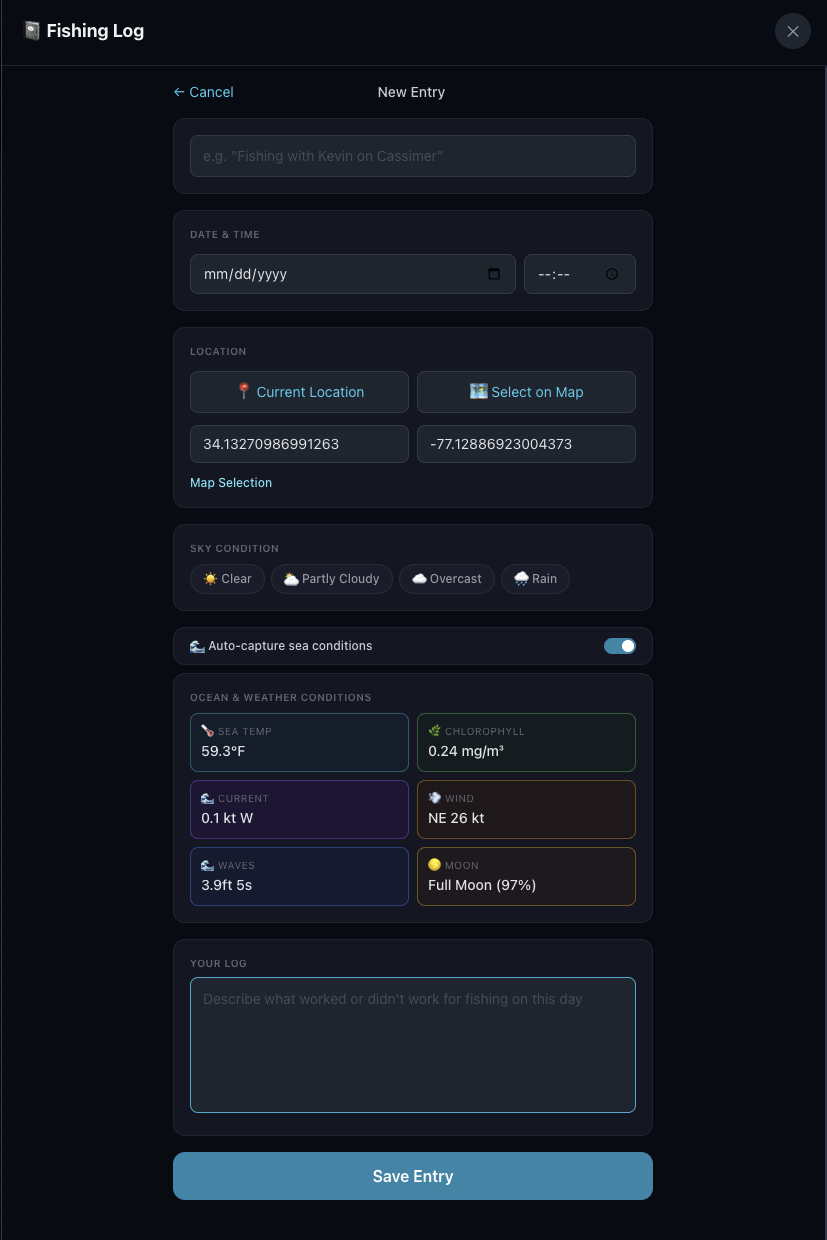
Log your trips right from the chart. Tap a spot and the app fills in the wind, seas, SST, water color, and current for that location and time. Over time, you build a record of what worked and what didn't.
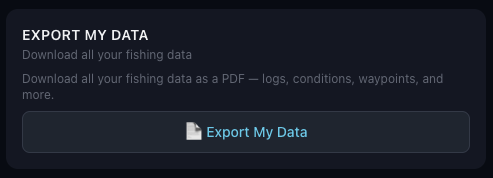
Export your log data for your own analysis. Look for patterns across seasons, conditions, and spots — or hand it to an AI and let it do the digging for you.
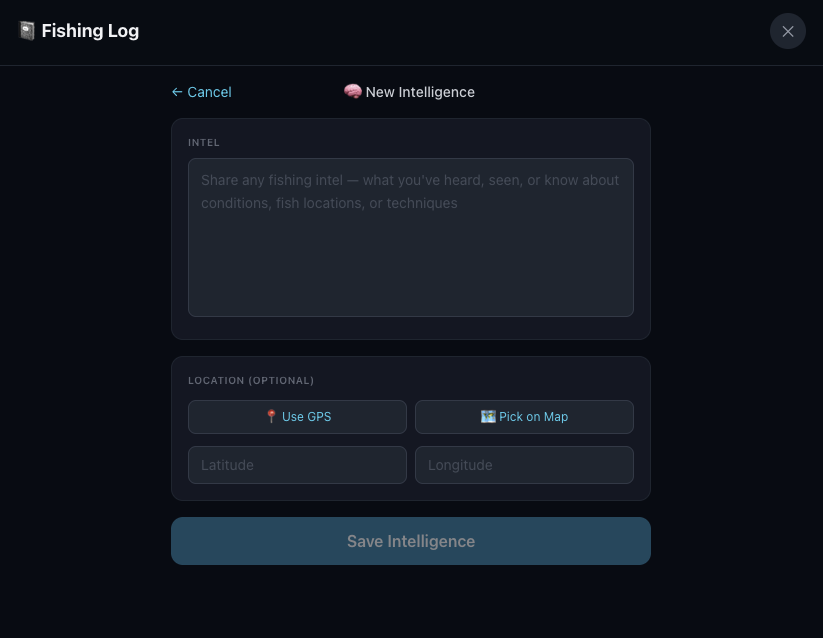
Heard something at the dock or on the radio? Log it as an intel report. It shows up alongside your fishing log so you can cross-reference what you heard with what you found.
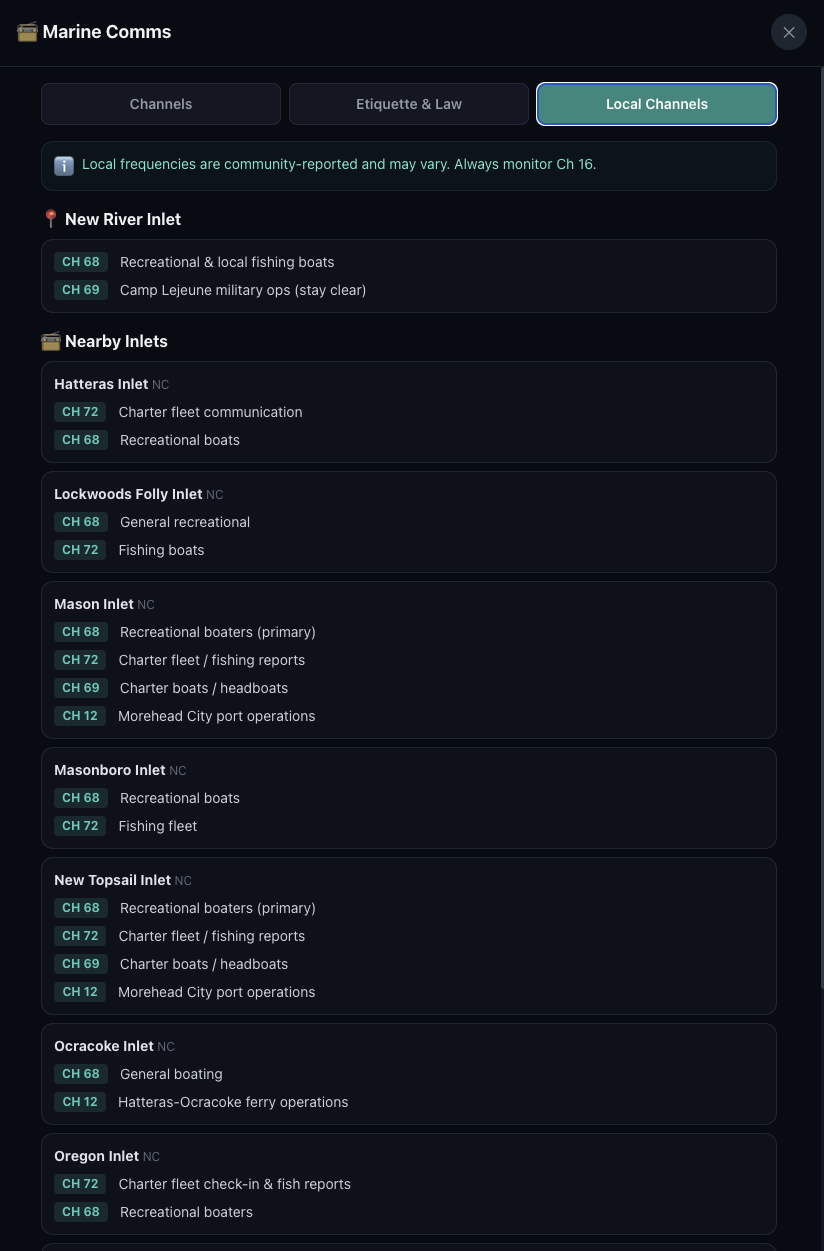
See which VHF channels are commonly used at your inlet and the ones nearby. Handy when you're fishing out of an unfamiliar port.
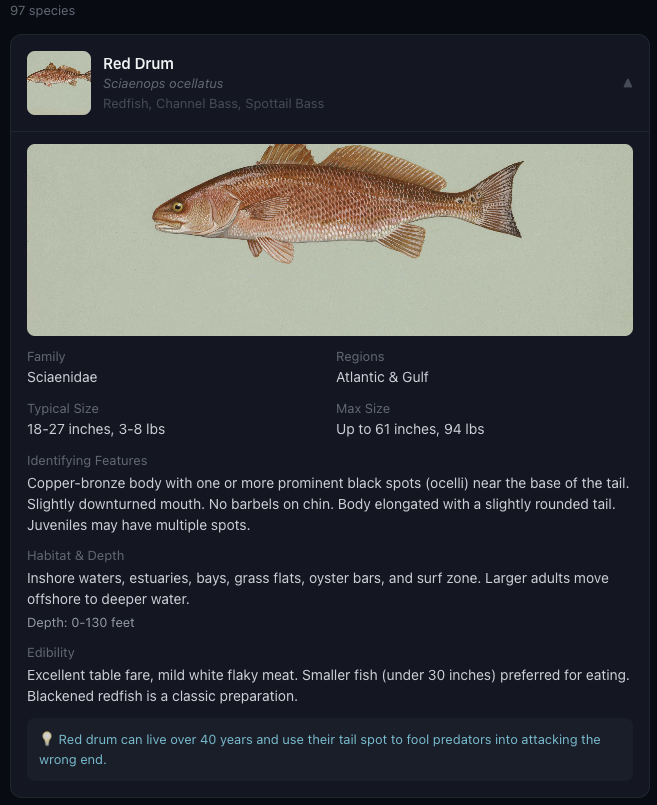
Not sure what you're looking at? The Fish ID section covers offshore species with identifying features, typical sizes, habitat, and depth ranges.
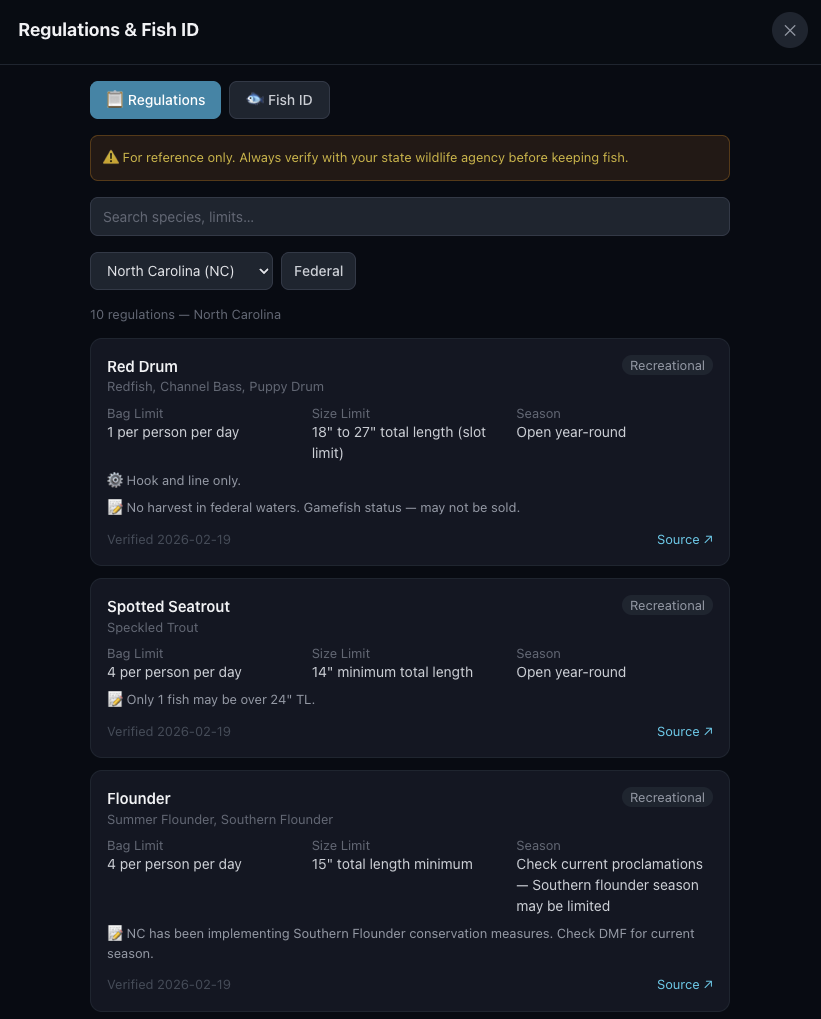
Size limits, bag limits, and seasons — all in one place. State and federal regs, searchable by species. Check before you keep.
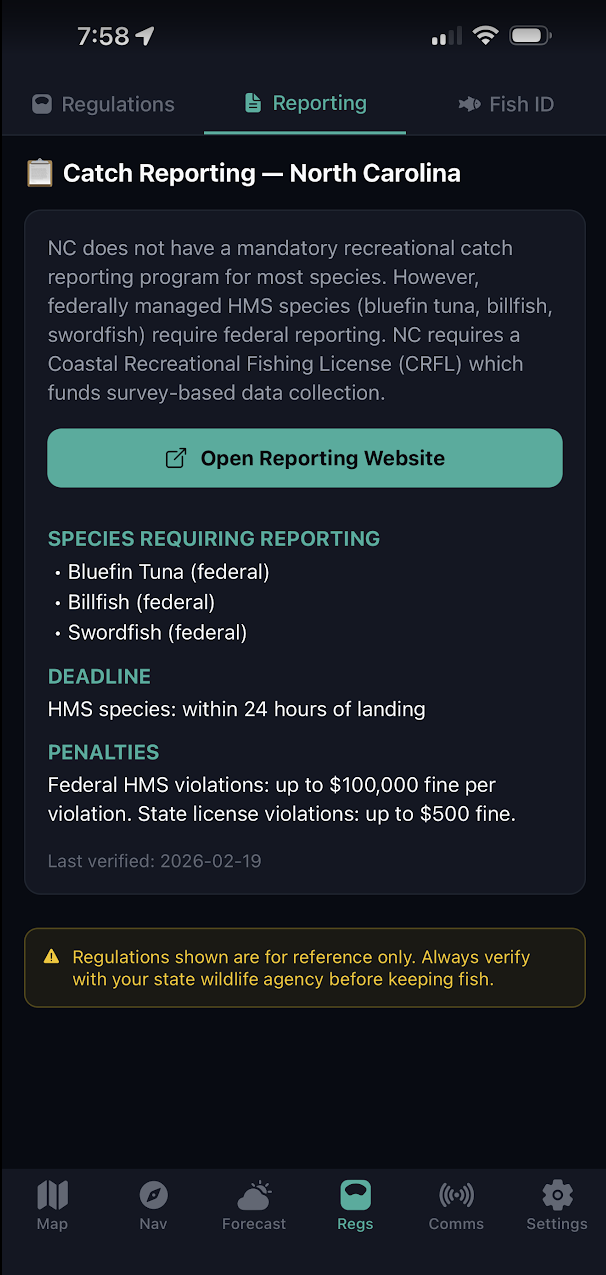
Some species require catch reporting. The app shows what's required for your state, deadlines, and links directly to the reporting website.
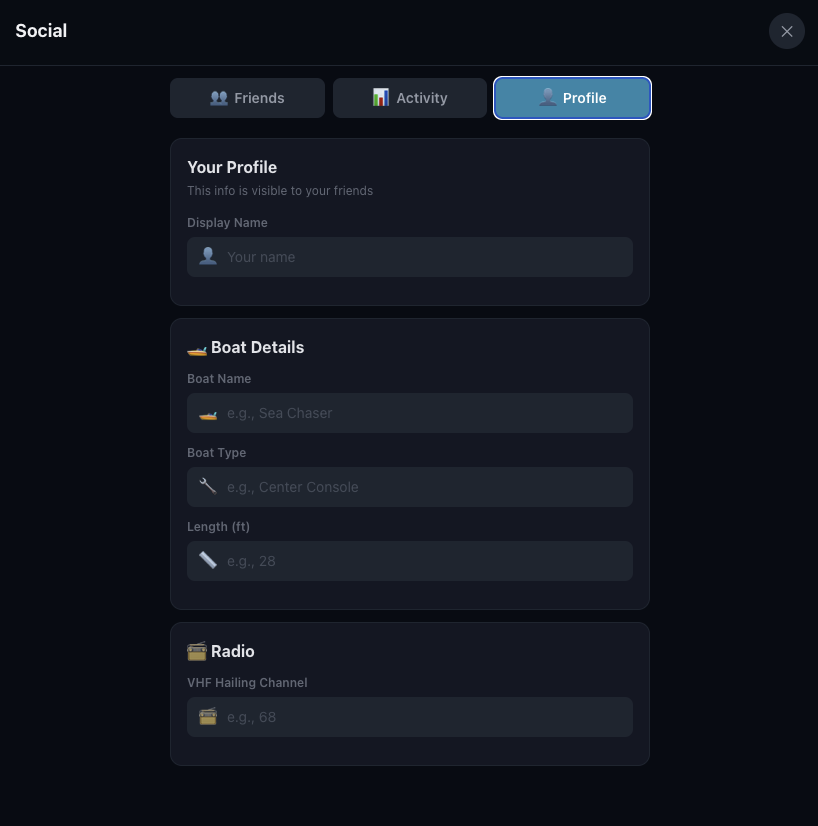
Set up a profile to connect with other users. Share your location, log entries, or waypoints with your crew.
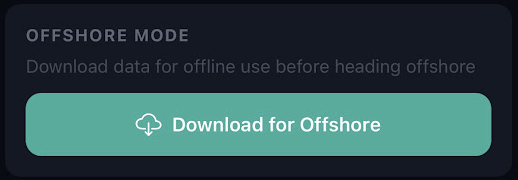
Heading offshore without cell service? Download the latest overlays and waypoint data before you leave the dock. Everything stays available on your phone even with no signal.
Know more before you go.
Real-time ocean data, 19,000+ waypoints, 7-day forecasts, and a logbook that ties it all together.
Get Pelagic Insight$4.99/mo after free trial · Cancel anytime